Astrocade · Action
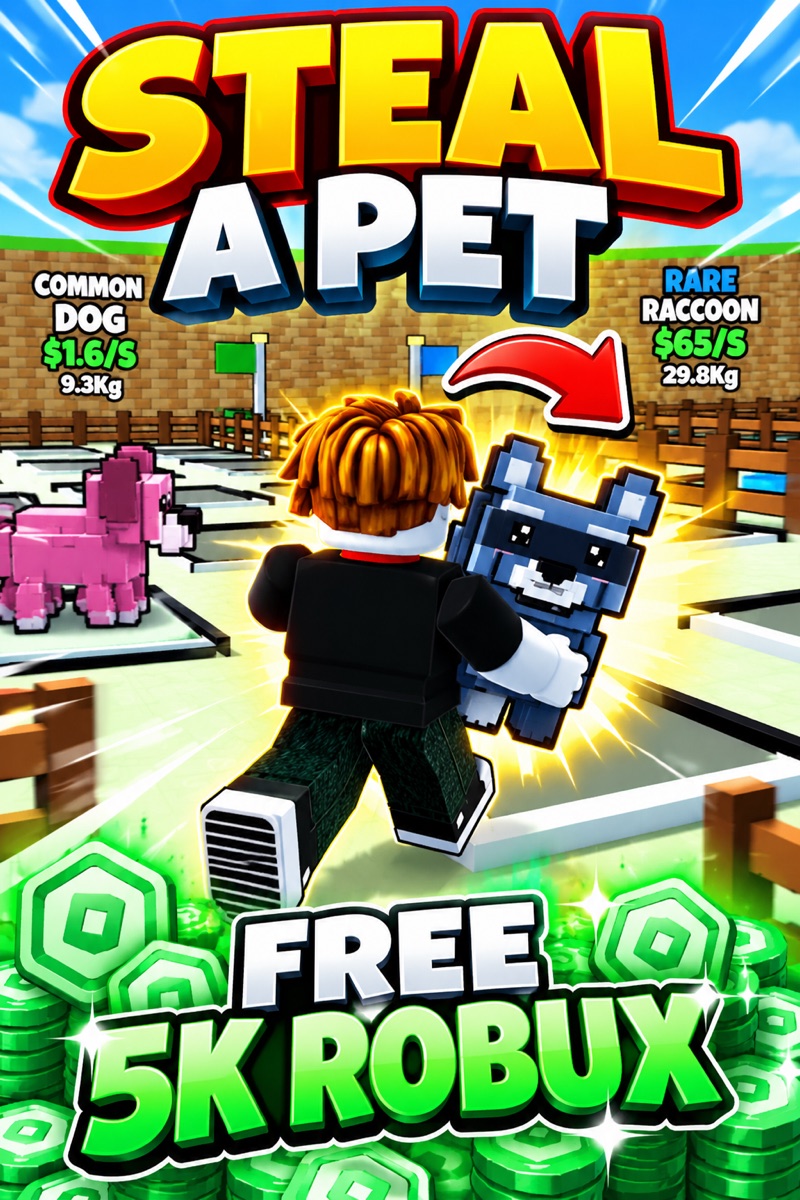
Steal A Pet
Train your speed, sneak past sleeping guardians, steal eggs, and hatch voxel pets across a colorful 3D world.
EnglishFree
Independent game guide
Guide slimes to settlements with rainbows and rain

Playable here on GameWren.The game is served by the creator’s official host inside this page; GameWren does not rehost its files.
Clouds Above (prototype) is a prototype, and the author says so in the first line of the itch.io page. Nouvyt is the account, the status is Prototype, the platform is HTML5, and the genres are Puzzle and Simulation. Clouds Above (prototype) was made with Godot. The tags are 2D, Cute, and Pixel Art. There is no tutorial. The whole control scheme is the mouse.
The page says to hold the left mouse button to move, hold the right mouse button to make a rainbow, and hold both buttons to make rain. It also warns that the game will lag a bit the first time you right-click and the first time you press both buttons. That lag note is part of the instructions, not a bug report filed by someone else. Clouds Above (prototype) asks you to expect it once and keep going.
Hold a rainbow over the pond to make slimes. That is the creation step, written as its own line. Then make a rainbow over different objects to see how the slimes respond. The author says this takes a while, so Clouds Above (prototype) is not a one-click puzzle. You are meant to wait and watch what the slimes do when the rainbow touches something that is not the pond.
The goal line is to guide the slimes to the settlements and have fun. Settlements are not described further. There is no list of object types, no score, and no win screen in the text. A timer eventually deletes moving slimes if you take too long. So a slow tour can erase the slimes you were leading. Clouds Above (prototype) tells you that with a smiley and no extra rule about pausing the timer.
The prototype title matters. Clouds Above (prototype) is a test run for a game called Clouds Above, and the URL on itch.io is clouds-above-test-run. The page does not say which features are temporary. Treat the mouse holds, the pond, the objects, the settlements, the timer, and the first-click lag as the current build. Later changes would show up on that same page.
Start with the left button held down long enough to see what moves. Then try the right button away from the pond so you can tell a rainbow from rain. Only after that, hold the rainbow over the pond and wait. The author says the slime response takes a while, so leaving early makes the prototype look empty when it is only slow. If the first right-click stutters, that pause is the one the page warns you about. After it passes, lead whatever appeared toward the settlements before the timer deletes moving slimes. There is no pause key in the instructions, so the timer keeps running while you read this. Learn the three holds, then go back to the game.
Train your speed, sneak past sleeping guardians, steal eggs, and hatch voxel pets across a colorful 3D world.
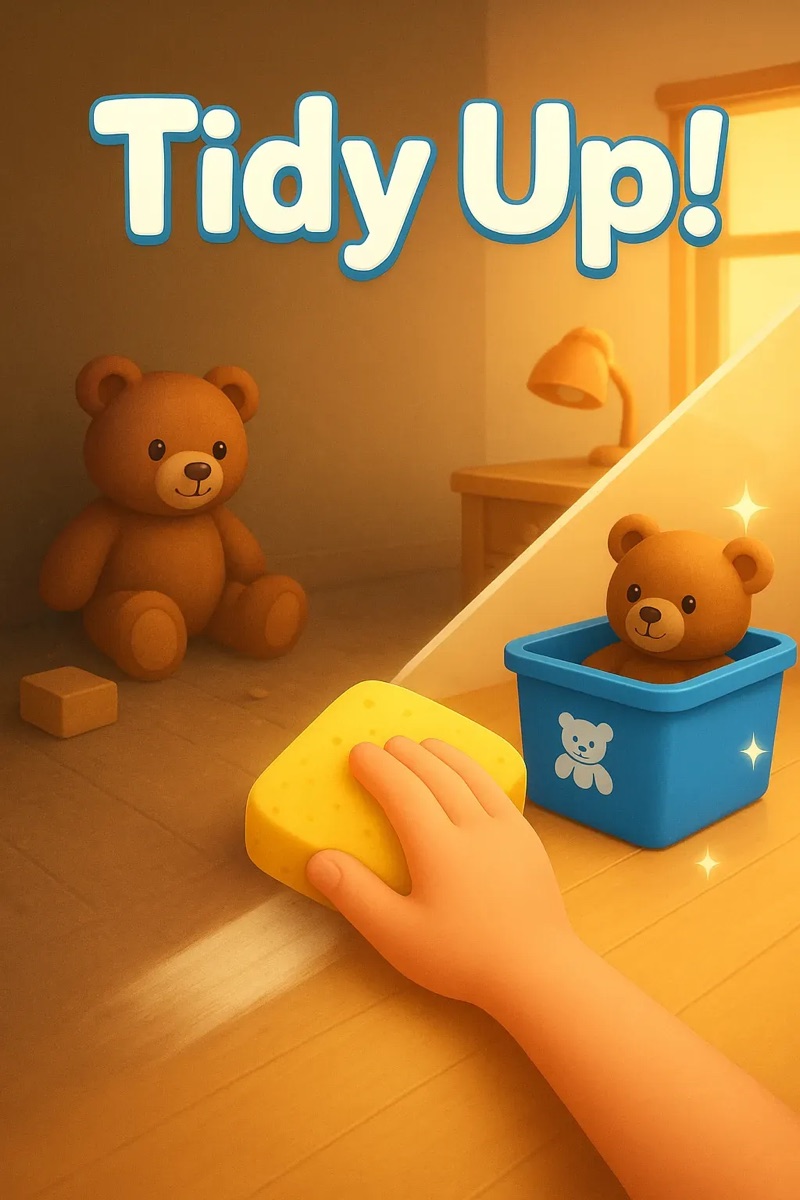
Sort clutter into matching bins, then wipe every surface clean before the two-minute timer runs out.

Drive a C-scoop bulldozer through ore piles, feed the grinder, and upgrade a compact mining operation.
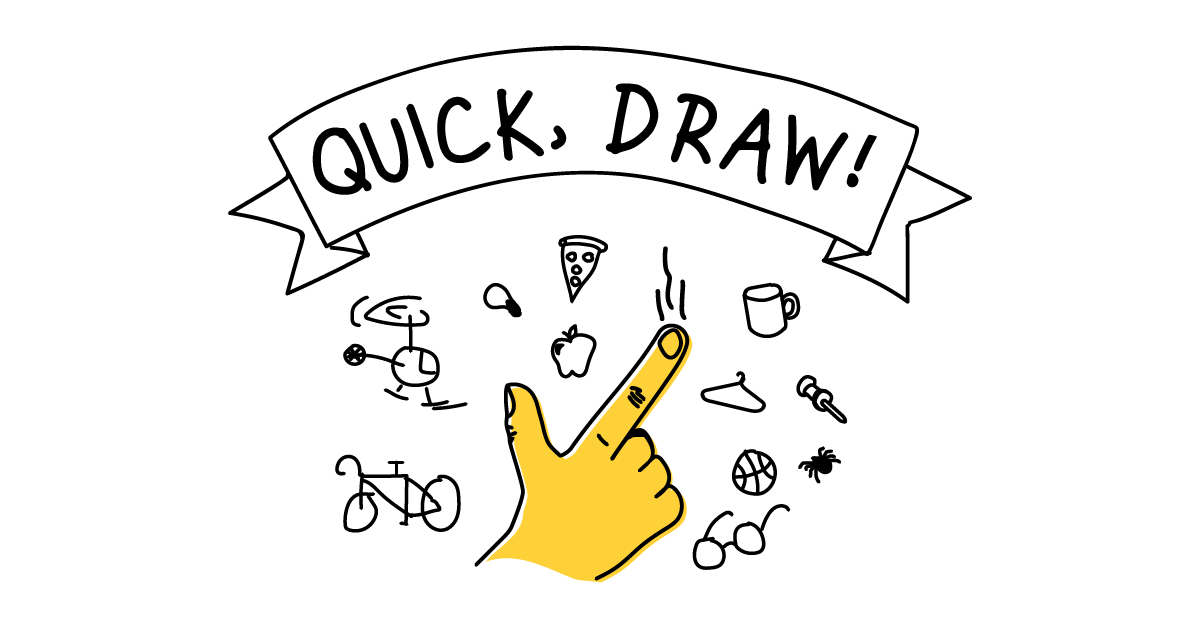
Draw six prompted objects while a neural network tries to recognize each doodle before time runs out.